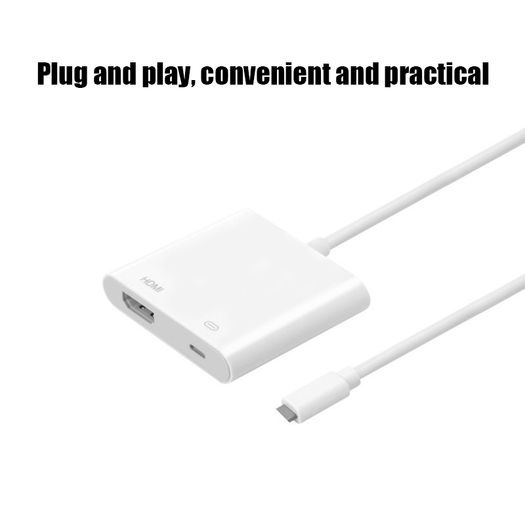
For Lightning To HDMI Adapter TV 1080P HD Digital AV adapter Converter for iPhone Pad to TV Same Screen for Lightning HDMI Cable
- Seller:
-
computersrus
Top Seller

- Feedback:
- Location:
- 1369 more ads from this seller
- Entered/Renewed:
- 3 weeks ago
- Ad Views:
- 117


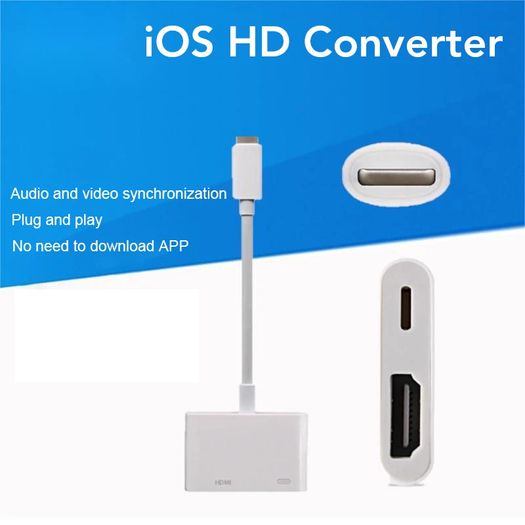
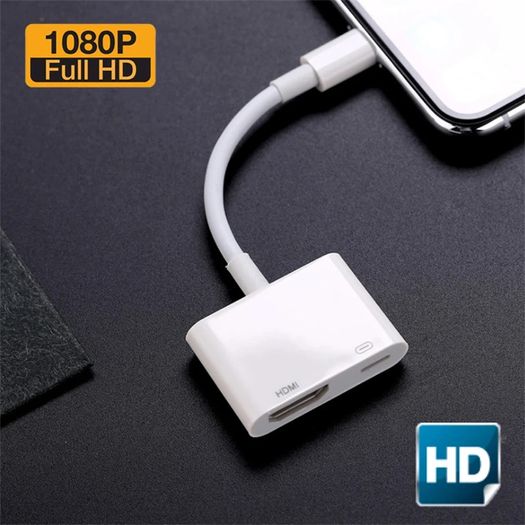
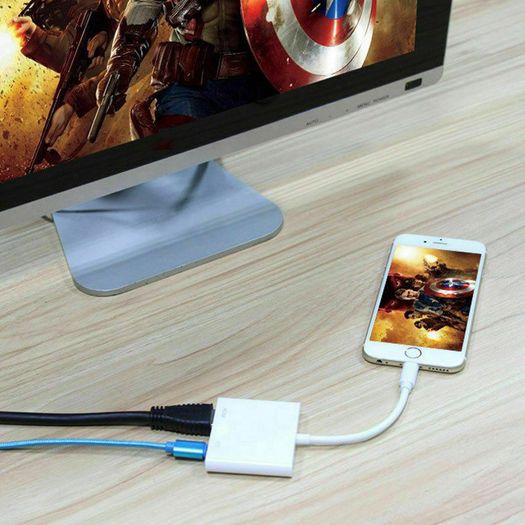
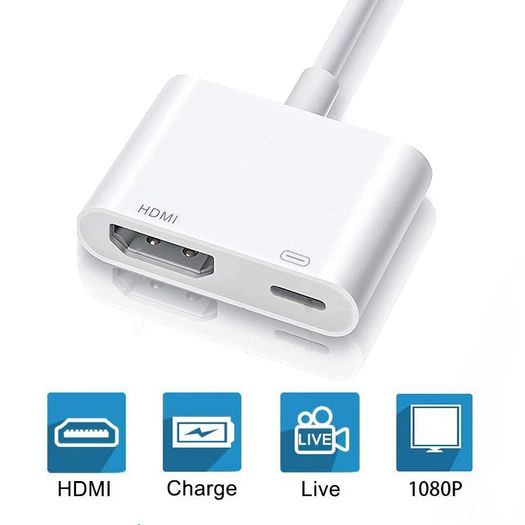
For Lightning To HDMI Adapter TV 1080P HD Digital AV adapter Converter for iPhone Pad to TV Same Screen for Lightning HDMI Cable
Description
Condition:
New
Note:
Support IOS13 , Support iphone 13
Kind Reminder Before Your Purchasing:
This product is not original but with high quality.
If you do not know how to use it, please contact us for operation video.
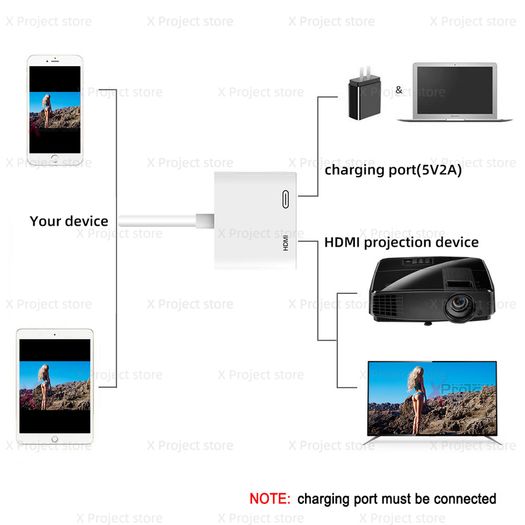
Charging cable needs to be connected while using this adapter.
There is no audio output if your monitor has no speakers.
ItDOESN'T work withApps which have "HDCP" video copyrights protection, such asNetflix, Prime video, Amazon video, HULU, ect.
Features:
Connect to Lighting Digital with your devices, For iPhone, For iPad, or For iPod using the Lighting Digital AV Adapter.
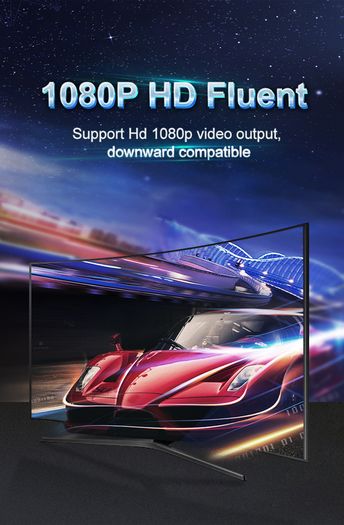
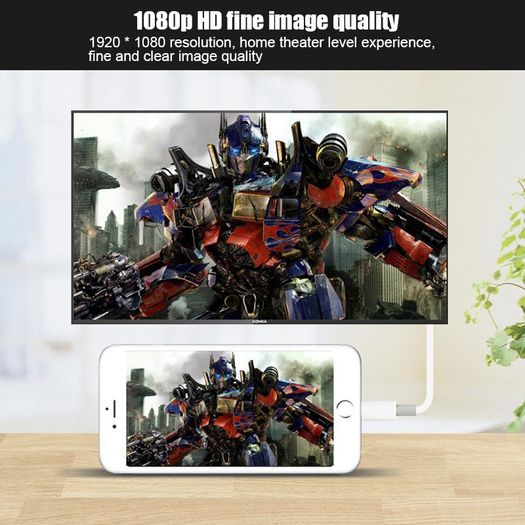
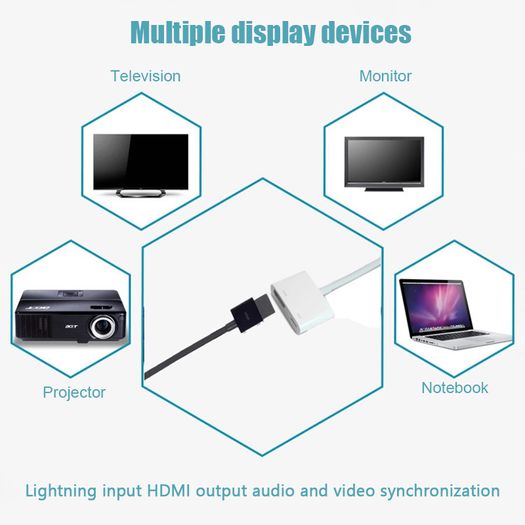
The Lighting Digital AV Adapter supports mirroring of the content displayed on the device screen, including applications, presentations, web sites, slides, etc., to HDMI-compatible capable TVs, monitors, projectors or other compatible displays up to 1080P HD.
It also exports video content movies, TV shows, and captured video to large screens up to 1080P HD. Simply connect the Lighting Digital AV Adapter to the lighting connector on the device and connect it to the TV or projector via the HDMI-compatible cable(not included).
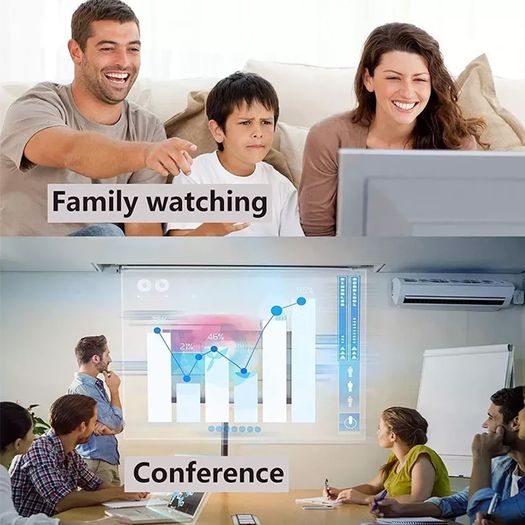
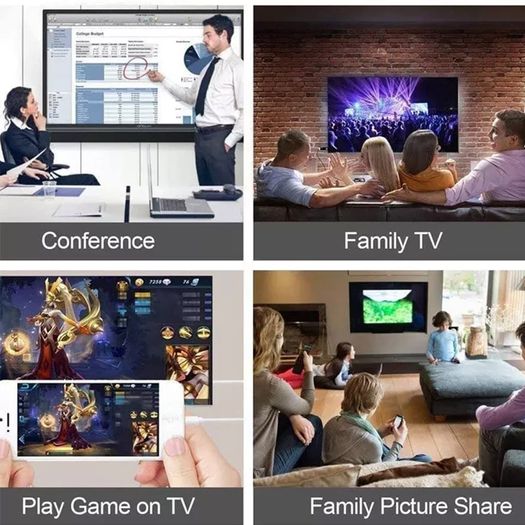
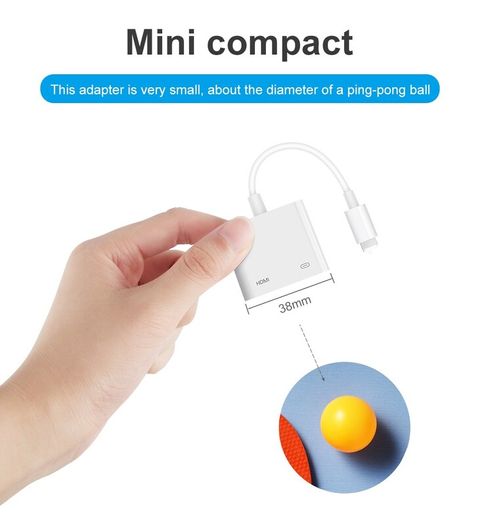
Compact and lightweight design allows you to carry your bag, anytime, anywhere connected to your For iPhone, For iPad or For iPod. This is the perfect choice for home entertainment, training, business meetings and more.
How to connect it to work:
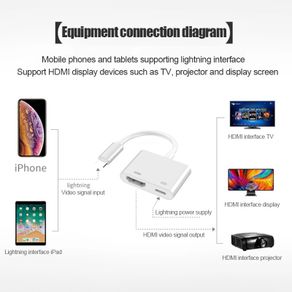
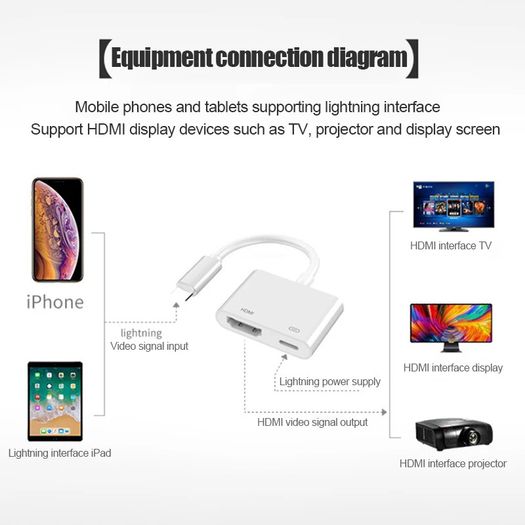
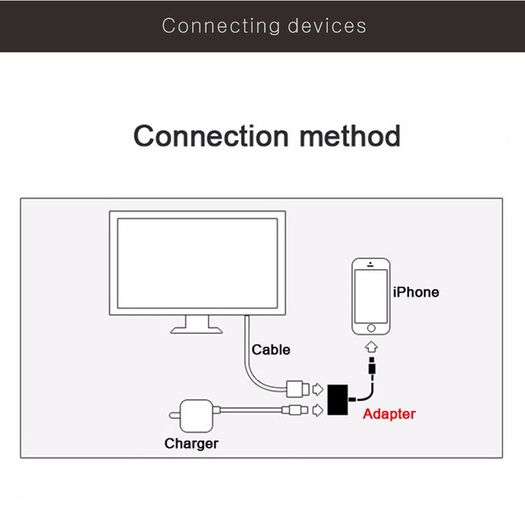
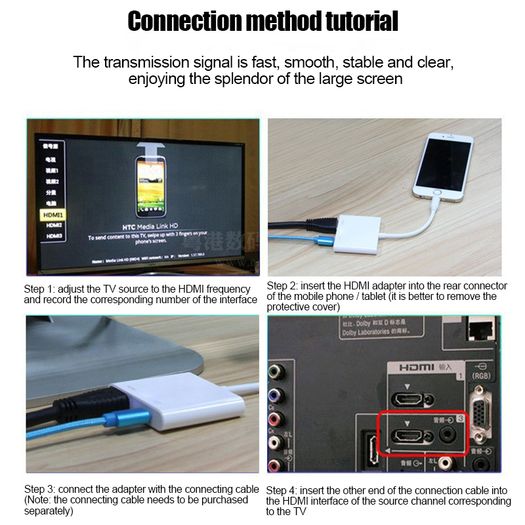
Step 1. Connect HDMI-compatible cable to the adapter and TV.
Step 2. Connect charging cable to the adapter and charger.
Step 3. Connect the adapter to your Phone/Pad at last. Then click "trust" on the screen when connecting.
Must be connected to power source to function (Strongly recommended 5V/2A)
Due to HDCP copyright protection measures, the lightning to HDMI-compatible adapter doesn't work with some paid contents including Netflix, Amazon video, DIRECTV, HULU and other App which need to be paid fee.
[Item Features]
1. Use the Lightning Digital AV Adapter with your iPhone, iPad, or iPod with connector.
2. The Digital AV Adapter supports mirroring of what is displayed on your device screen to your HDMI enabled TV, display, projector, or other compatible display in up to 1080P HD.
3. It also outputs video content movies, TV shows, captured video to your big screen in up to 1080P HD. Simply attach the Digital AV Adapter to the connector on your device and then to your TV or projector via an HDMI-compatible cable.
4. Its compact and lightweight design allows you to carry in your bag and connect your iPhone, iPad or iPod anywhere. This is perfect for home entertainment, training, business meetings and much more.
[Connect instruction]
1. Insert the lightning cable into the 5V/2A USB AC Adapter.
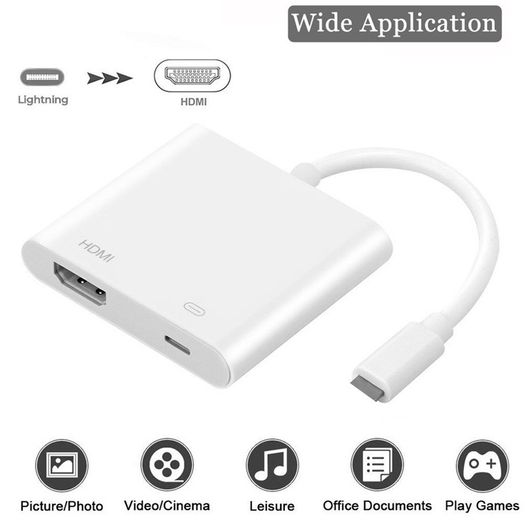
2. HDMI-compatible Port: connect to your TV or big screen via HDMI cable.
3. Lightning connection: connect into your iPhone, iPad, iPod.
4. Please click the "Trust" and wait 15-20 seconds to synchronize the phone screen with the TV.
5. Please contact us immediately If you have any questions about connecting.
 Post/CourierTo be arranged PaypalBank transferTo be arranged
Asking Price: €25 (Price Non Negotiable)  Swaps accepted
More Similar Ads
See more in our Other Mobile Phones & Accessories category available today