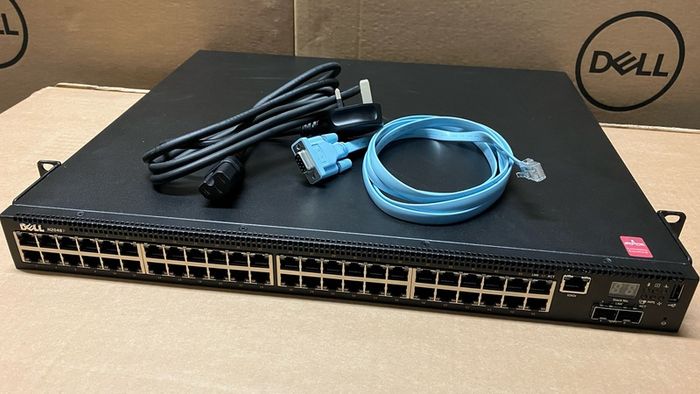
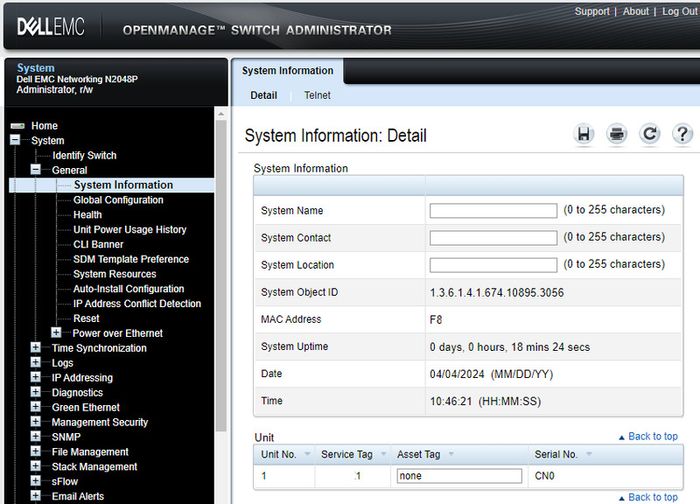
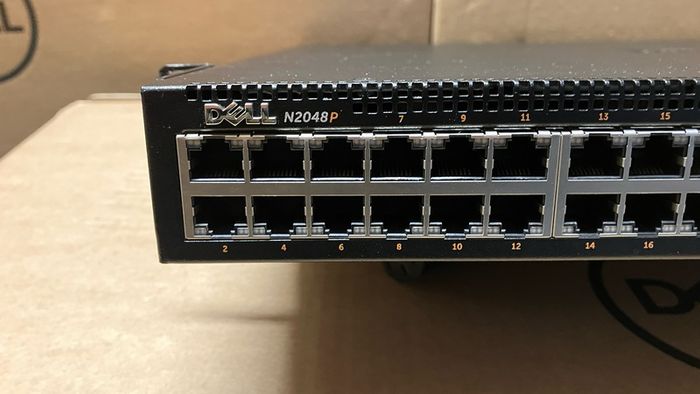
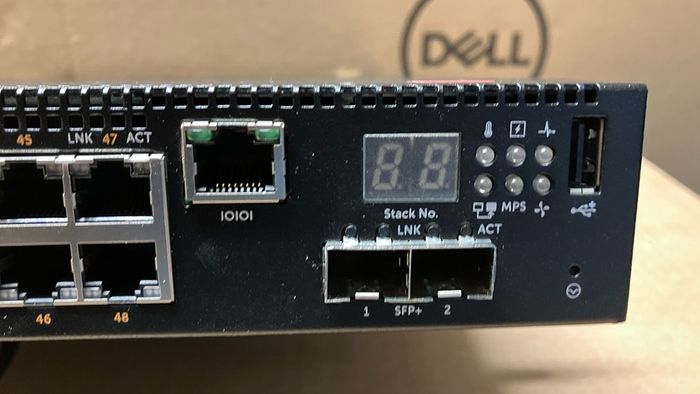
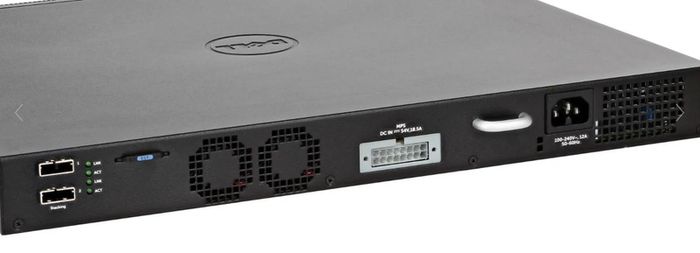
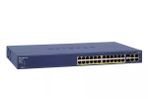
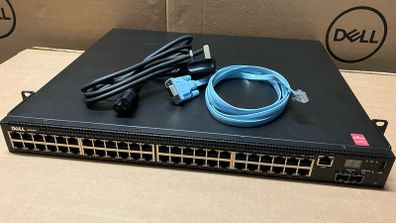
PoE Switch - Dell PowerSwitch N2048P
Asking price:
€550
Make an offer:
- Seller:
-
kariokao
Top Seller
- Feedback:
- Location:
- 37 more ads from this seller
- Entered/Renewed:
- 3 days ago
- Ad Views:
- 1,114
Viewing
1
of
7
PoE Switch - Dell PowerSwitch N2048P
From sellers around the web:
Comments & Offers
@briand1: ChatGPT says YES:
Question: Can the PoE be turned on for some ports and off for others on Dell N2048P?
Answer:
Yes — on the Dell N2048P you can control PoE per port. That means you can leave PoE enabled on
some interfaces (for access points, phones, cameras, etc.) and disable it on others (for PCs, servers,
uplinks).
CLI Method (per-port control)----------------------------
Example: Enable PoE on port 1, disable PoE on port 2.
enable
configure
interface gigabitethernet 1/0/1
power-over-ethernet ! enable PoE on port 1
interface gigabitethernet 1/0/2
no power-over-ethernet ! disable PoE on port 2
end
write memory ! save changes
GUI Method (per-port control)----------------------------
1. Log in to the switch web interface.
2. Go to: Switching → PoE → PoE Configuration
3. Each interface has a dropdown for Admin Status.- Set to Enable or Disable as needed.
4. Apply changes and Save.
Notes------ Default: PoE is enabled on all PoE-capable ports.- You can also set power priorities and wattage limits per port if you want finer control.- Disabling PoE only affects power delivery — data still works normal
Question: Can the PoE be turned on for some ports and off for others on Dell N2048P?
Answer:
Yes — on the Dell N2048P you can control PoE per port. That means you can leave PoE enabled on
some interfaces (for access points, phones, cameras, etc.) and disable it on others (for PCs, servers,
uplinks).
CLI Method (per-port control)----------------------------
Example: Enable PoE on port 1, disable PoE on port 2.
enable
configure
interface gigabitethernet 1/0/1
power-over-ethernet ! enable PoE on port 1
interface gigabitethernet 1/0/2
no power-over-ethernet ! disable PoE on port 2
end
write memory ! save changes
GUI Method (per-port control)----------------------------
1. Log in to the switch web interface.
2. Go to: Switching → PoE → PoE Configuration
3. Each interface has a dropdown for Admin Status.- Set to Enable or Disable as needed.
4. Apply changes and Save.
Notes------ Default: PoE is enabled on all PoE-capable ports.- You can also set power priorities and wattage limits per port if you want finer control.- Disabling PoE only affects power delivery — data still works normal
Asking Price: €550
No swaps
Ask Question
Make Offer