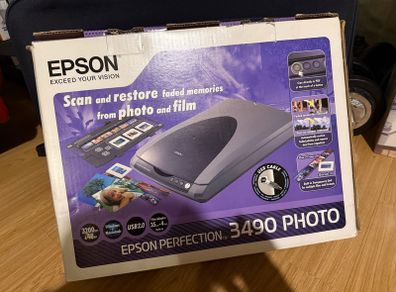
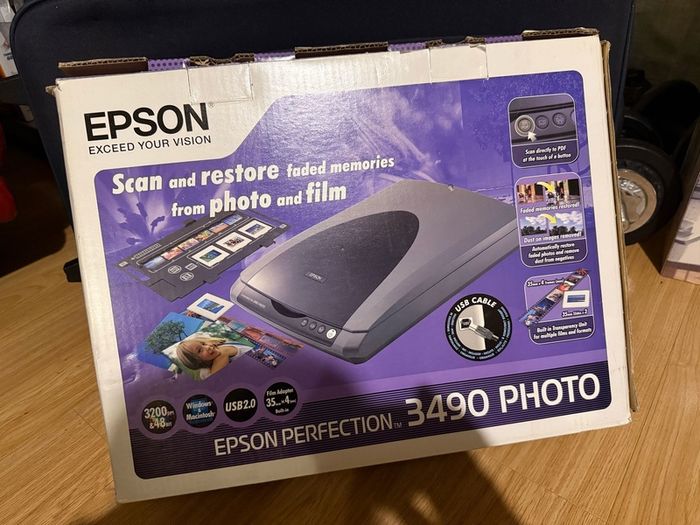
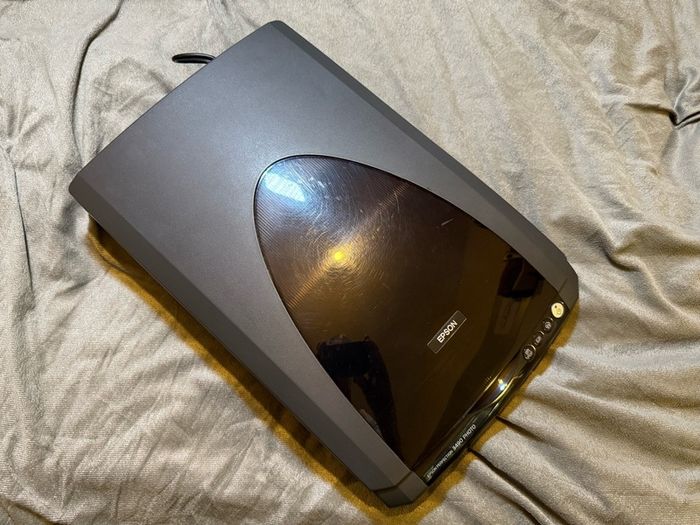
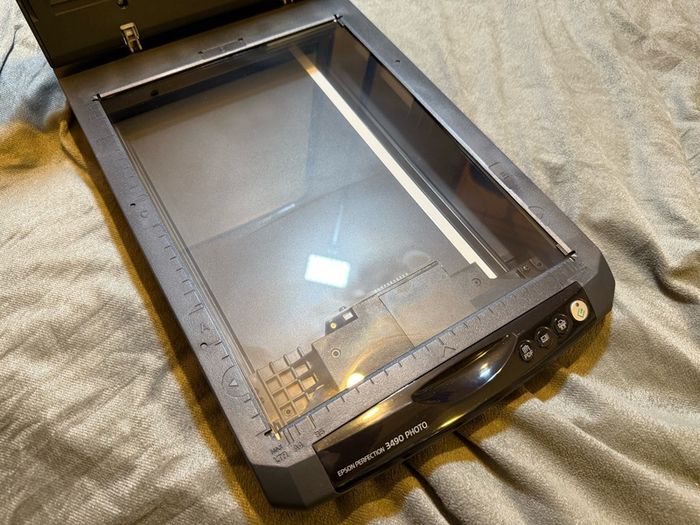
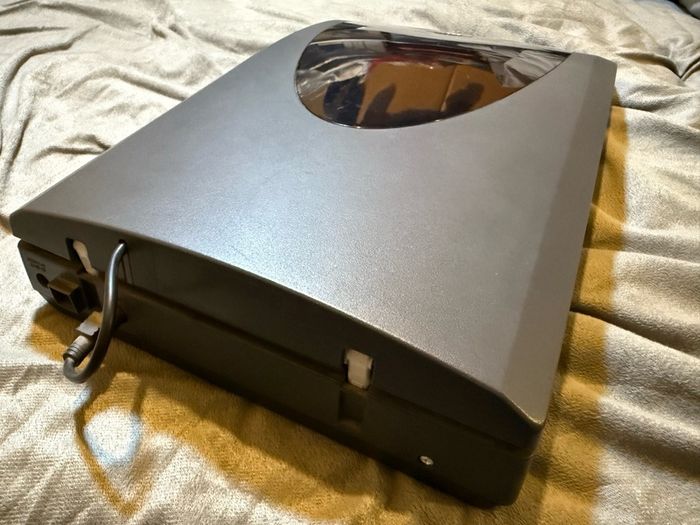
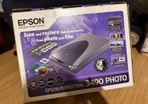
Epson Perfection 3490 Photo
Asking price:
€40
Make an offer:
- Seller:
- szczepan
- Feedback:
- Location:
- 3 more ads from this seller
- Entered/Renewed:
- 1 year ago
- Ad Views:
- 700


Viewing
1
of
4
Epson Perfection 3490 Photo
Epson Perfection 3490 Photo
| Make: | Epson |
Shipping: Collection To be arranged
To be arranged
Payment: CashPaypal
Paypal
From sellers around the web:
Comments & Offers


@tigger1960 this is what Gemini AI told me:
„The short answer is yes, but with a few caveats depending on how new your Mac is. Since the Epson Perfection 3490 Photo is an older model (released around 2005), it doesn't always "plug and play" with modern versions of macOS (like Sonoma or Ventura) using the original software.
Here is the breakdown of how to make it work:
1. The "Official" Way (Epson ICA Drivers)
Epson no longer updates the full "Epson Scan" utility for modern Macs, but they do provide ICA (Image Capture Architecture) drivers.
• How it works: Instead of using an Epson app, you use the built-in Apple Image Capture app (found in your Applications folder).
• Compatibility: Epson provides ICA drivers for macOS versions up to macOS 13 (Ventura) and macOS 14 (Sonoma).
• Where to get it: Go to the Epson Support Page and manually select your version of macOS to download the "ICA Scanner Driver."
2. The "Reliable" Way (VueScan)
If the official drivers fail or if you are on a very new Mac (like one with an M2 or M3 chip) and experience "time out" errors, most users turn to VueScan.
• Why it works: VueScan is third-party software that includes its own drivers for thousands of legacy scanners. It effectively "bypasses" the need for Apple or Epson to update their software.
• Note: It is paid software, but it is widely considered the "gold standard" for keeping old Epson Perfection scanners alive on modern hardware.
3. Connection Requirements
Since this scanner uses a USB 2.0 connection, you will likely need an adapter if you have a modern Mac:
• USB-B to USB-C cable: A direct cable is often more stable than using a multi-port dongle.
• Power: This scanner requires its own external power brick; it cannot be powered via the USB port on your Mac.”
„The short answer is yes, but with a few caveats depending on how new your Mac is. Since the Epson Perfection 3490 Photo is an older model (released around 2005), it doesn't always "plug and play" with modern versions of macOS (like Sonoma or Ventura) using the original software.
Here is the breakdown of how to make it work:
1. The "Official" Way (Epson ICA Drivers)
Epson no longer updates the full "Epson Scan" utility for modern Macs, but they do provide ICA (Image Capture Architecture) drivers.
• How it works: Instead of using an Epson app, you use the built-in Apple Image Capture app (found in your Applications folder).
• Compatibility: Epson provides ICA drivers for macOS versions up to macOS 13 (Ventura) and macOS 14 (Sonoma).
• Where to get it: Go to the Epson Support Page and manually select your version of macOS to download the "ICA Scanner Driver."
2. The "Reliable" Way (VueScan)
If the official drivers fail or if you are on a very new Mac (like one with an M2 or M3 chip) and experience "time out" errors, most users turn to VueScan.
• Why it works: VueScan is third-party software that includes its own drivers for thousands of legacy scanners. It effectively "bypasses" the need for Apple or Epson to update their software.
• Note: It is paid software, but it is widely considered the "gold standard" for keeping old Epson Perfection scanners alive on modern hardware.
3. Connection Requirements
Since this scanner uses a USB 2.0 connection, you will likely need an adapter if you have a modern Mac:
• USB-B to USB-C cable: A direct cable is often more stable than using a multi-port dongle.
• Power: This scanner requires its own external power brick; it cannot be powered via the USB port on your Mac.”

@ayatollah Nope. Potential buyer didn’t reply to this day - it looks like a time-waster, unfortunately.
Asking Price: €40  No swaps
Ask Question
Make Offer
See more in our Scanners category available today
€15.00
€10.00
€70.00

€75.00

€470.00
€450.00
€70.00
€450.00
€100.00
€40.00

€350.00

€70.00
€25.00
€15.00
€20.00
€40.00
€15.00
€30.00
€270.00
€25.00