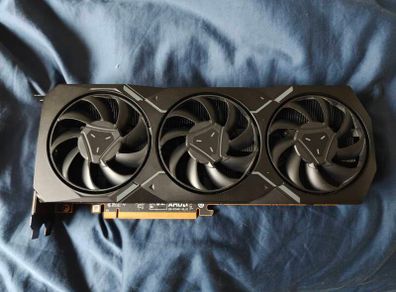
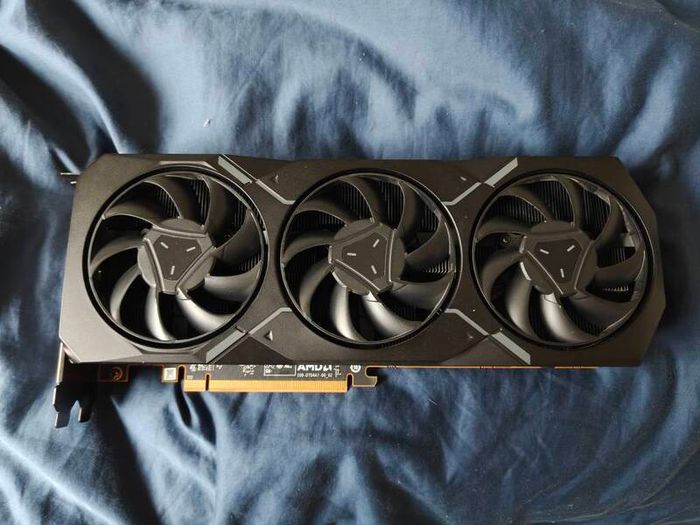
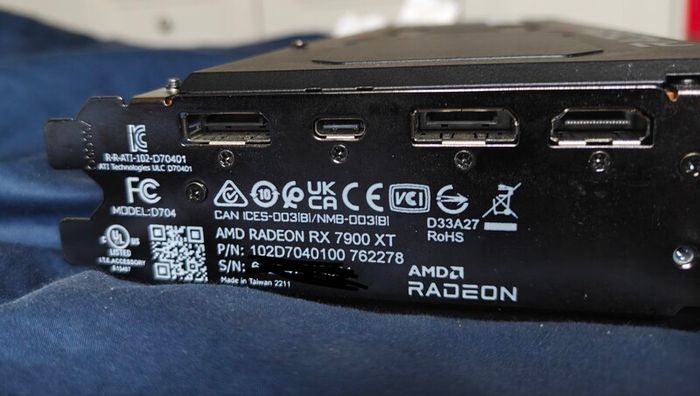
(unstable/faulty) Sapphire AMD RX 7900 XT Reference GPU
- Seller:
- isaacmc12
- Feedback:
- Location:
- 11 more ads from this seller
- Entered/Renewed:
- 4 weeks ago
- Ad Views:
- 2,545


(unstable/faulty) Sapphire AMD RX 7900 XT Reference GPU
Description
Currently, it boots but I assume is either unstable or faulty, potentially is the card or my 750w PSU that doesn't like it.
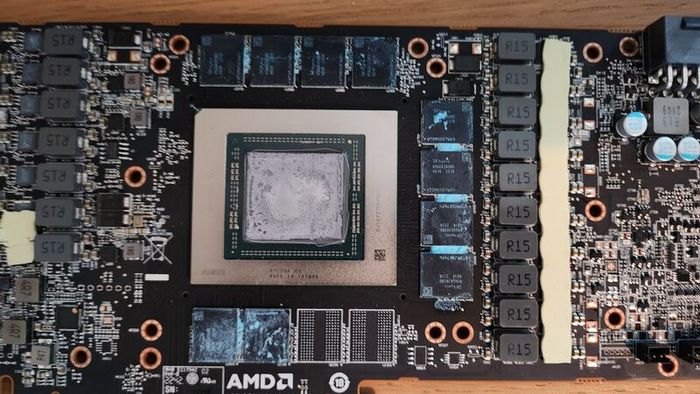
This GPU had issues back in June 2025 around when I bought it, I had repasted it with PTM7950 a week prior to this issue, it crashed and wouldn't POST and only showed a VGA light.
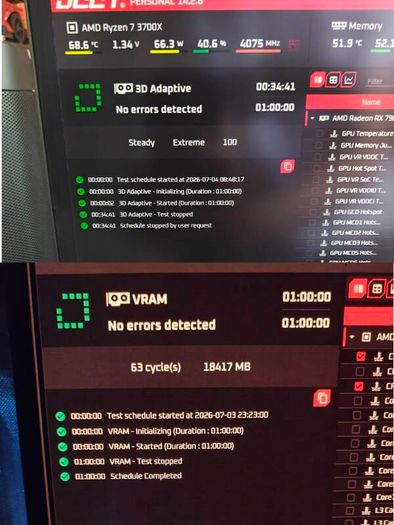
In February 2026 (recently), I tested the card and it worked again and well under GPU stress tests and had equal performance before comparing my screenshots on Cyberpunk and 3dmark scores
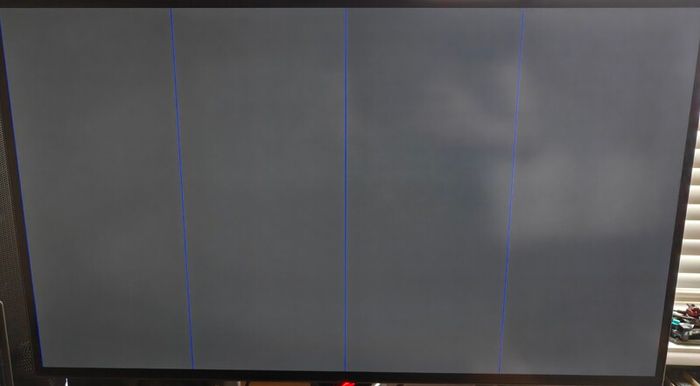
A few days later it froze and showed a gray screen with 4 vertical blue lines. And showed the same red VGA light as in June
Maybe VRAM issue?
Maybe it could be repaired but I'm not too sure
It may work fine on another PC but I haven't tried it, because it worked again 6 months later, not sure if it is fully broken or partially faulty.
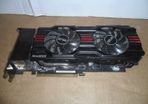
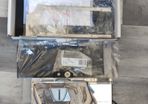
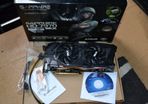
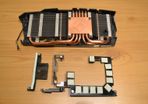
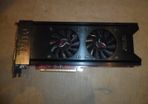
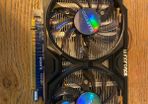
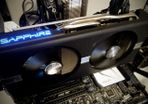
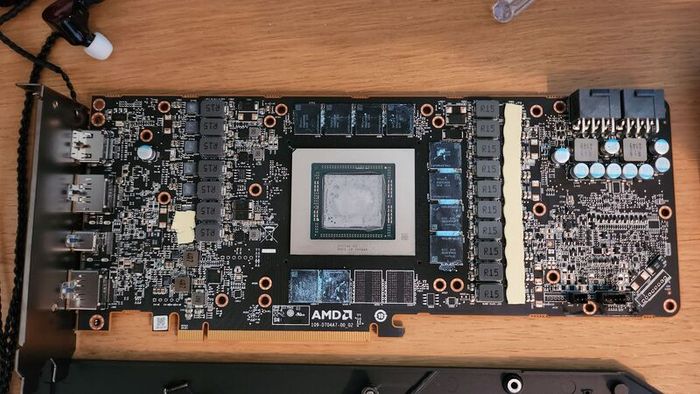
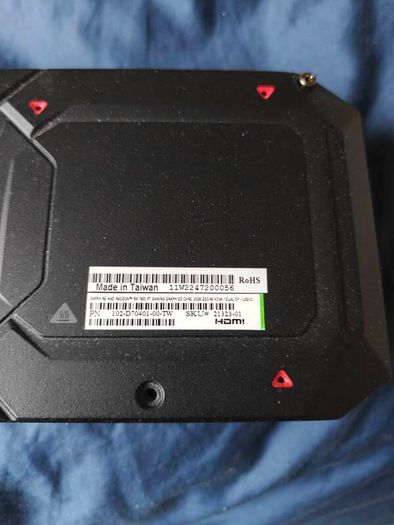
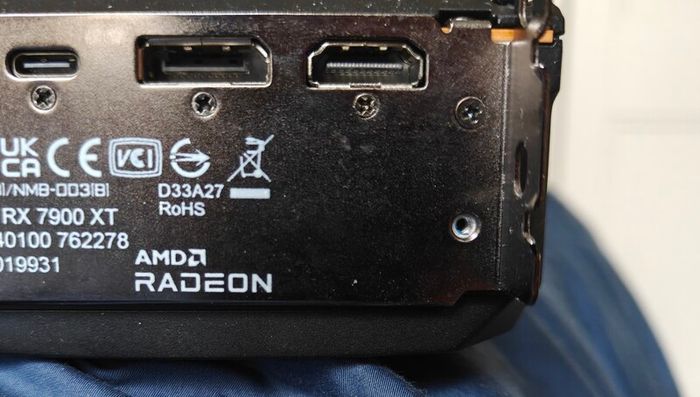
Attached are photos of the card reopened after I repasted it back in June, it seems to be okay, no burn marks or anything.
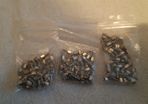
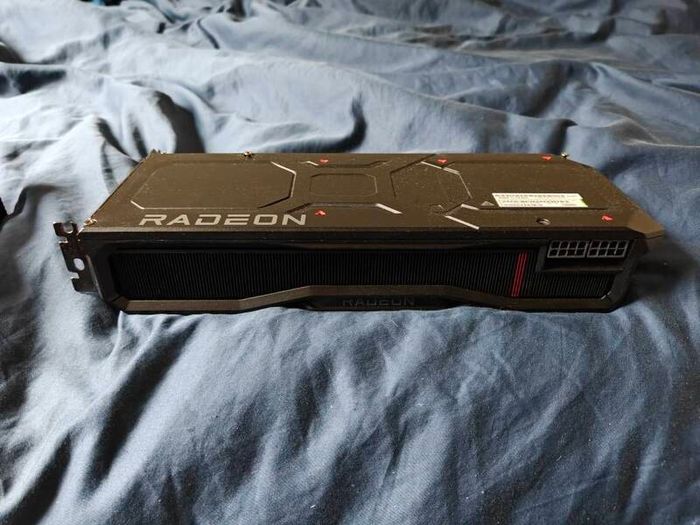
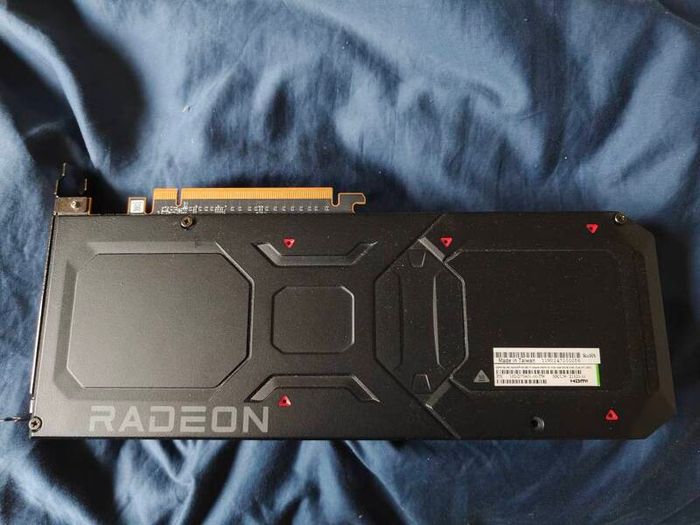
2 missing non essential screws, see pics
Any questions or useful advice feel free to comment.
Will ignore low offers and please no silly comments
 Post/CourierTo be arranged To be arranged
sorry your offer is too low
I have mainly been using Display port before however

The card last I checked 2 months ago boots to OS (with my previous adverts comment) but it might crash and not want to boot again. Seems to be a cycle where it boots, crashes, doesn't post, then a few days later it boots again.

Do you happen to have a photo of the artifacts or the grey screen with the blue lines when the card was failing?
It would really help me understand the issue
Thanks!


Asking Price: €450  No swaps
See more in our Graphics Cards category available today